How do I clear the Internet browser history on my smart TV?
Updated : 22nd September, 2026
Follow the below steps to delete the browser history on your smart TV:
Using your remote control:
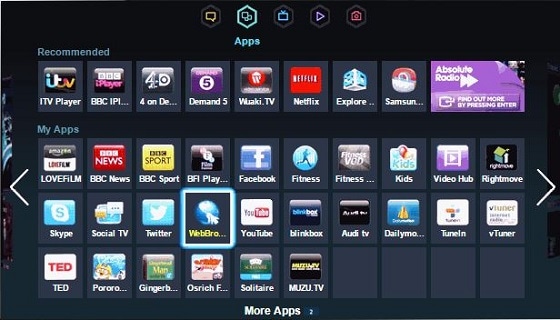
1. Open the Internet browser on your TV
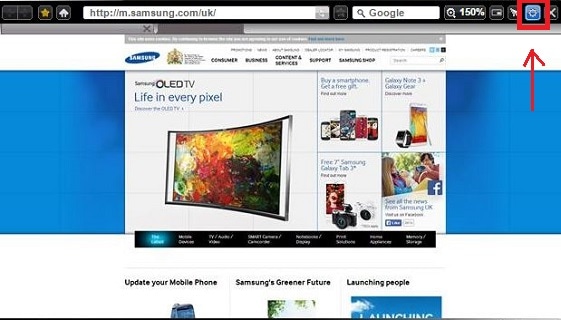
2. Select the Settings icon
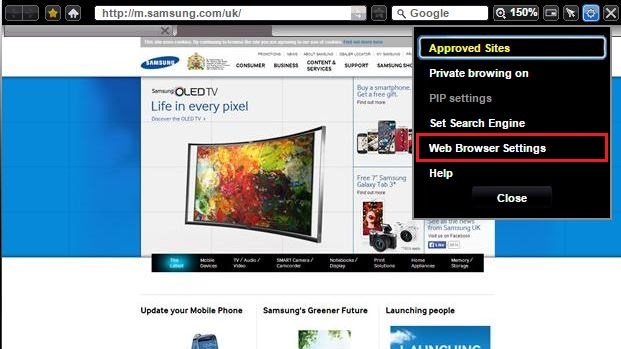
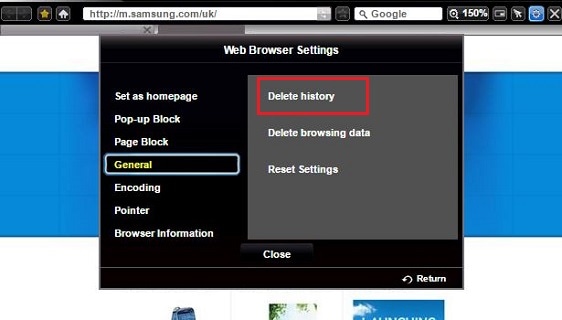
3. Select Web Browser Settings
4. Select General
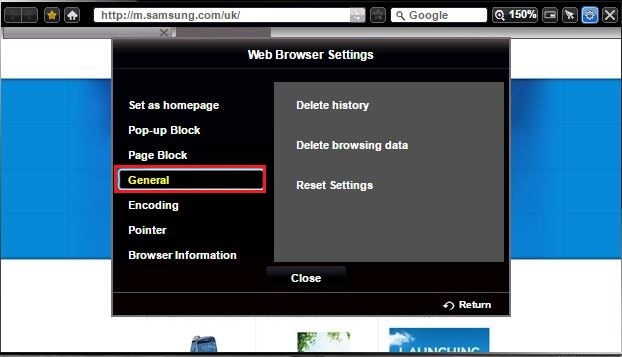
5. Select Delete History
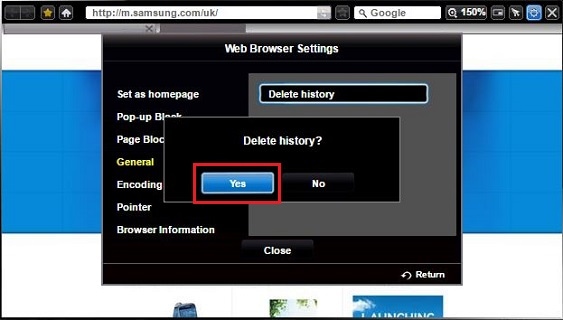
6. Select Yes to confirm you wish to delete the history
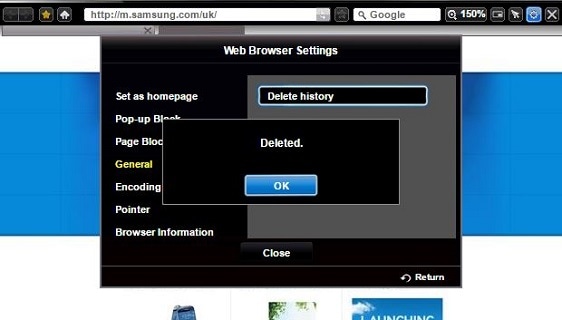
7. You will now receive a confirmation screen that the history has been deleted.
Thank you for your feedback!
Please answer all questions.