Which Phone Has The Best Display?


Deciding on the best phone display can be complicated. What screen resolution is best? What size phone screen do you need? And what exactly is PPI on a phone? With so many acronyms and numbers involved, we are here to break down the jargon and help you find the right phone display for you.
What is PPI in a phone display?
Ever seen the acronym ‘PPI’ and wondered what it actually means when it comes to phones? Well, PPI stands for Pixels Per Inch and it is used to measure the pixel density of all types of displays from laptops to TVs including smartphones. PPI is important because the pixels found in displays are responsible for the vibrant, colourful images you see on your screen.
So how is it measured? Imagine a piece of paper with a square inch box on it, that box is divided up into a grid and every portion of the grid has a pixel in it. The greater the PPI the more densely packed the grid is and therefore the more pixels there are. This is important because if a display has a too low pixel density the image will be fuzzy and may even appear pixelated. Simply speaking the greater the number of pixels on the display the more detailed, clear and sharp the images you see on your screen are, and we all want great images right?


How much PPI is good for mobile?
It depends! Most of us think about what size we want our phone screen to be but actually that’s only part of it. It’s also important to consider the ratio between the screen size, its resolution (measured as width x height) and the number of pixels per inch (PPI). In principle as the resolution of the phone display increases so should the PPI. As a rough guide, for a 6-inch full HD (1920 x 1280) phone you’re looking at approximately 390 pixels per inch and for a 7-inch QHD+ (2960 x 1440) smartphone expect around 480 PPI.
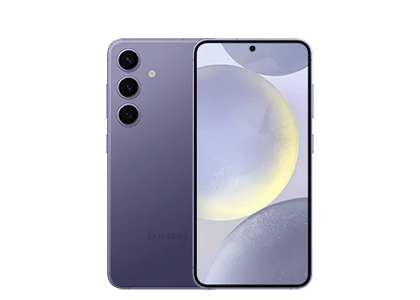
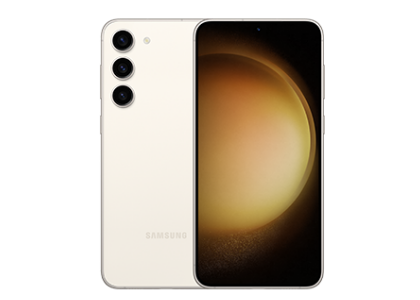
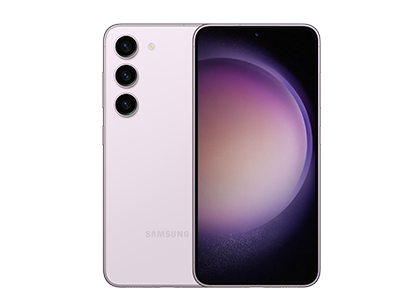
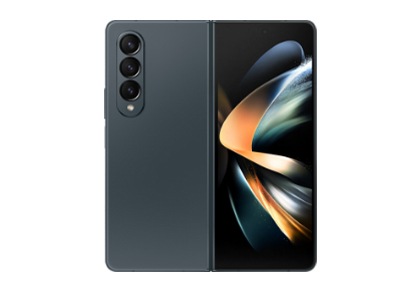
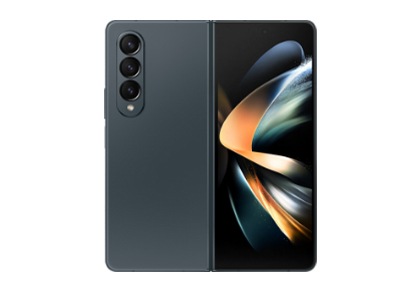
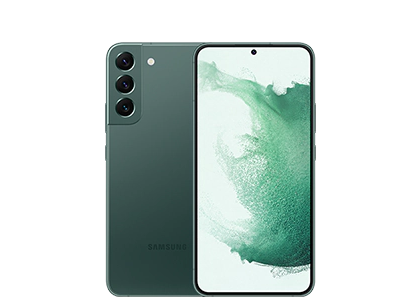
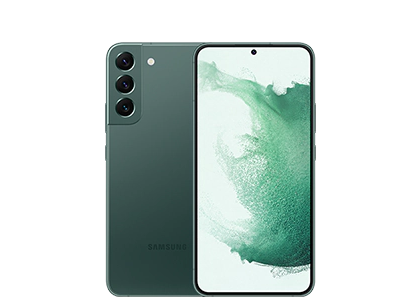
Check out our Samsung Galaxy smartphone display comparison chart below which outlines the screen size, display resolution, PPI and Samsung display technology in the flagship Galaxy Z and Galaxy S series:
| table product |


|


|


|


|


|


|


|


|


|


|


|

|


|

|
|
|


|


|
|


|


|
|---|---|---|---|---|---|---|---|---|---|---|---|---|---|---|---|---|---|---|---|---|---|
| Size | 8.0” |
7.6” |
6.9” |
8.0" |
6.9" |
6.9" |
6.7” |
6.7" |
6.3" |
6.8” |
6.7” |
6.2” |
6.8" |
6.6" |
6.1" |
7.6” |
6.7” |
6.8’’ |
6.6’’ |
6.1’’ |
6.7" |
| Resolution | 2504 x 2256 (QXGA+) |
1848 x 2448 (QXGA+) |
2520 x 1080 (FHD+) |
2184 x 1968 (QXGA+) |
2520 x 1080 (FHD+) |
3120 x 1440 (QHD+) |
3120 x 1440 (QHD+) |
2340 x 1080 (FHD+) |
2340 x 1080 (FHD+) |
QHD+ (3120X1440) 505 ppi) |
QHD+ (3120X1440) 516 ppi) |
FHD+ (2340X1080) 418 ppi) |
QHD+ |
FHD+ |
FHD+ |
QXGA+ |
FHD+ |
QHD+ |
FHD+ |
FHD+ |
2340 x 1080 (FHD+) |
| Display | Dynamic AMOLED 2X |
Dynamic AMOLED 2X |
Dynamic AMOLED 2X |
Dynamic AMOLED 2X |
Dynamic AMOLED 2X |
Dynamic AMOLED 2x |
Dynamic AMOLED 2x |
Dynamic AMOLED 2X (120Hz) |
Dynamic AMOLED 2x |
Dynamic AMOLED 2X (1- 120Hz) |
Dynamic AMOLED 2X (1- 120Hz) |
Dynamic AMOLED 2X (1- 120Hz) |
Dynamic AMOLED 2X |
Dynamic AMOLED 2X |
Dynamic AMOLED 2X |
Dynamic AMOLED 2X (120Hz) |
Dynamic AMOLED 2X (120Hz) |
Dynamic AMOLED 2X |
Dynamic AMOLED 2X |
Dynamic AMOLED 2X |
Dynamic AMOLED 2X (120Hz) |
| table item cta |
|
|
|
|
|
|
|
|
|
|
|
|
|
|
|
|
|
|
|
|
|
You can find out more about Samsung's Dynamic AMOLED technology in our useful phone buying guide.
What's a Full HD+ display on smartphones?
Full HD+ simply means Full High Definition, which refers to the resolution of your phone screen. It defines the dimensions of a display in terms of pixels and is written as width x height. If you're looking for an immersive, cinematic experience on your smartphone, you'll want a display with at least Full HD+, such as the Galaxy S26. Samsung's latest flagships take this even further, the Galaxy Z Flip8 features a 6.9-inch Dynamic AMOLED 2X main display with a sharp 1080 x 2520 Full HD+ resolution, delivering crisp, vibrant visuals even on its compact foldable form factor.


What does QHD mean on a phone?
QHD or Quad High Definition takes mobile viewing to new heights with four times the pixels of the HD resolution. You’ll enjoy an incredible 2560 pixels by 1440 pixels with a QHD display, making images even more vibrant, crisp and smooth. Looking to be blown away? Check out the sensational QHD+ displays on the noteworthy Galaxy S26 Ultra. Measuring an epic 3120 x 1440, this flagship smartphone really takes viewing to the next level and is perfect for bingeworthy box sets and graphic-intensive gaming.


QHD vs FHD: Which Display Resolution Is Better for You?
So how do you decide between QHD or FHD? For most smartphone applications full HD offers great image clarity and exceptional colour contrast. With a high density of pixels per inch, FHD+ Samsung smartphones such as the Galaxy Z Flip8, Galaxy S26, and Galaxy S26 FE have a lot to offer. FHD screens also consume significantly less battery and processing power than QHD. Perfect for when you’re out and about and need to reserve your battery.
If you’re looking for a display that stands out from the crowd however, you’ll appreciate the extra pixels in the QHD smartphones. These displays are specially designed to deliver sensational graphic-intensive games, high-definition media and exceptional video and photo content. They are both adaptive and dynamic.
Still can’t decide? There’s good news! With the epic Galaxy S26 Ultra, you can have the best of both. You’ll find the option to alternate between a QHD+ and FHD+ depending on your usage. So, if you’re browsing on socials, FHD+ has you covered and when it’s time to sit back and relax with the latest Netflix Original series simply switch over to QHD+ for stunning, immersive viewing.


Which phone has the highest resolution screen?
Both the Galaxy S26 Ultra and Galaxy S26+ sit at the top of the table when it comes to the highest screen resolution with a sensational 3120 x 1440 QHD+ Dynamic AMOLED 2X respectively. If you’re looking for a stunning phone display that is refined, vibrant and responsive you can’t go wrong with these epic Samsung flagship devices.
Frequently Asked Questions
-
What is the best screen resolution for a phone?There's no single "best“. It depends on how you use your phone. Full HD+ (around 2340 x 1080) is sharp enough for everyday use and saves battery, while QHD+ (around 3120 x 1440) gives noticeably crisper detail for gaming, video and photo editing.
-
Is QHD or FHD better for a phone screen?QHD has more pixels, so it's better for graphic-intensive gaming and HD media. FHD uses less battery and processing power, so it's better for everyday browsing and longer battery life. Some phones, like the Galaxy S26 Ultra, let you switch between the two.
-
Does a higher PPI mean a better phone screen?Generally yes. Higher PPI means a sharper, more detailed image with less visible pixelation. But PPI should be considered alongside screen size and resolution together, not on its own.
-
What does PPI stand for?PPI stands for Pixels Per Inch. It measures how densely packed the pixels are on a display, which affects sharpness and clarity.
-
What is the best way to clean a mobile phone screen?Turn off your phone, then gently wipe the screen with a dry, lint-free microfibre cloth. For smudges or fingerprints, lightly dampen the cloth with distilled water, never spray liquid directly onto the screen, and avoid household cleaners or compressed air, as these can strip the screen's protective coating.
-
Can I use alcohol wipes to clean my phone screen?Yes, Samsung recommends an alcohol-based solution of more than 70% ethanol or isopropyl alcohol, applied to a cloth rather than sprayed directly onto the device. Avoid bleach and household glass cleaners, as these can damage the screen's protective coating over time.
-
How do I get rid of scratches on my phone screen?Very light surface scratches on the screen protector can sometimes be buffed out with a dedicated scratch-removal polish or simply replaced with a new screen protector. Genuine scratches in the glass itself generally can't be safely repaired at home. It can make things worse and may void your warranty.
-
How can I prevent scratches on my phone screen?Fit a tempered-glass screen protector and a case with a raised lip, avoid carrying your phone alongside keys or coins, and choose a model with scratch-resistant glass such as Corning® Gorilla® Glass Victus®+. For extra peace of mind against accidental drops and screen damage, Samsung Care+ covers repairs.
FAQ Schema
